From your first workout to your first record.
GetFit makes the everyday decisions for you: what to train, how much to lift and when to rest. You just train.
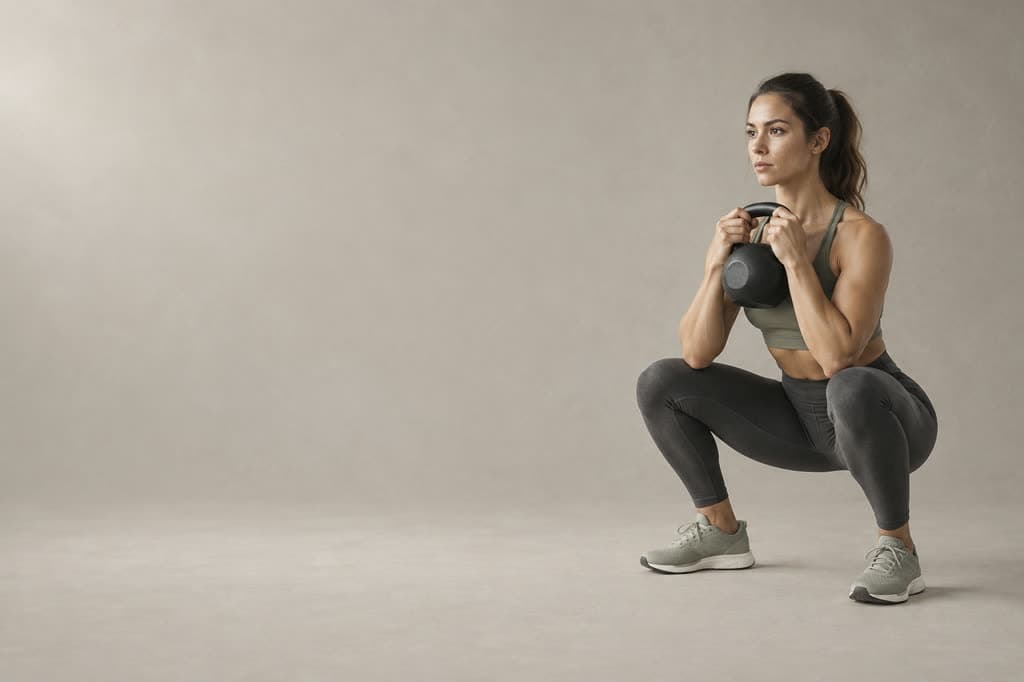
Answer 3 questions
Under a minute. Your answers choose the program, the difficulty and the equipment. To save your progress, sign in with Apple, Google or email.
Set up your week
A few questions and your week is planned: days, muscles, exercises. Or just ask the coach.
- How many days a week and how many minutes, including rest between sets
- The muscles that get extra attention. Everything else gets trained too
- Change the plan any time
Full bodyEverything, every sessionUpper / lowerUpper body one day, legs the nextPush / pull / legsThree sessions, each with its own jobChest & biceps, back & tricepsChest+biceps · back+triceps · legs · shoulders+coreOne part a dayChest · back · legs · shoulders · armsHere is the shape of it: 4 days · Upper / lower · 45 min
Train: every day you know what to lift
Today’s workout waits for you with a photo. On every exercise the app tells you what you did last time and what to try today.
- Last time’s numbers in one tap
- Rest timer: +15 seconds or skip
- A missed day isn’t lost: the app shows it, and you catch up
Barbell bench press: last time 60 kg × 8. Today try 62.5 kg × 8.162.5 kg860 × 8262.5 kg860 × 8362.5 kg—60 × 7Rest 01:12+15sSkipFinish and, if you like, share
At the end you see the totals: sets, volume, records. If you want, share a Workout Moment: a photo and only the numbers you choose.
Workout savedUpper body
18 sets · 6.4 t · 6 exercises · 47 min
2 new recordsSee what changed
The recovery map tells you which muscles are ready. Progress shows your records, volume and streak. And on Monday, a summary of last week arrives.
Progress and recovery → GETFITMon, 10:00📊 Last week was legendary!Workouts: 4, new records: 2 🏆 New peaks this week?
Recovery
A good day for upper body — ready: chest, shoulders, arms.
Legs ~30 hUpper body ready
Everything you need to hand in the gym.
Timer
Intervals, rounds and a stopwatch. It tells you the next phase before it starts.
Plate calculator
Enter the weight you want and see what to load on each side. If it can’t be made exactly, it gives you the nearest.
Water
Your daily goal comes from your weight. Reminders arrive at your hours, and “+250 ml” logs straight from the notification.
Your old workouts aren’t lost.
- In Strong or Hevy, open Settings and export your data. You get a CSV file.
- In GetFit, choose “Import history” and that file. We read other CSVs too, if they have columns for the date, the exercise, and weight or reps.
- Say what unit the weights in the file are in, and check the few exercises we couldn’t match automatically.
All 54 exercises matched automatically.
GetFit is coming to the App Store.
Leave your email and we’ll write on launch day. Nothing else.